
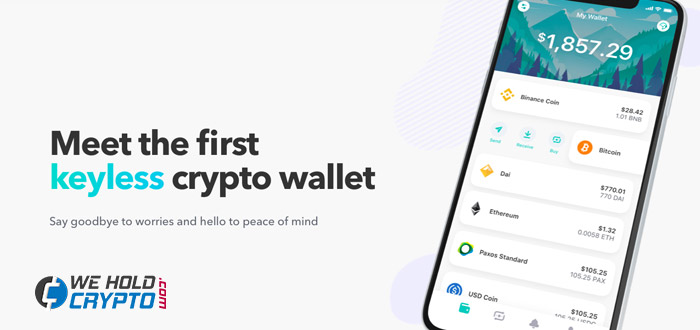
With the growing popularity of cryptocurrencies, a lot of technical newbies have to start using for them a new kind of wallet – the cryptocurrencies wallets. But many of the crypto wallets have too complicated setting-up procedures and the user interfaces as well. During the setting-up process, the user has to create his seed phrase which is used for the account restoration. The seed phrase contains a lot of words that need to be stored at the secure place because it is the only way to restore the wallet in case of a forgotten password, or when you want to transfer your wallet to another device. Are you tired of writing down a lot of passwords and words which is needed for the account restoration? Then, ZenGo brings the revolutionary cryptocurrency wallet for you!
Why is ZenGo wallet different
Of course,
An encrypted copy of the user’s device share is stored on the ZenGo servers, and the decryption code is stored separately in his iCloud account. So for the wallet restoration is needed just scan the user’s face and his wallet will be restored in seconds!
The main advantages of ZenGo wallet are:
- Keyless crypto wallet.
- Simple initial set up.
- User-friendly usage.
- User has the full control of his wallet.
- Just one tap for the support, directly in the app.
What about the cost?
The
Other wallets on the market
You may found other crypto wallets that are simple for use for their customers too, for example, the Coinbase, but on these online wallets, you have not full control of your crypto coins. You don’t have to create the seed phase, that is true, but the seed phase is not replaced by other security verification like it is made in ZenGo wallet. It means that all seed phases are stored on Coinbase (or similar wallet service) servers and in case that they get hacked, you can lose your coins stored in the wallet forever!

How to set-up the ZenGo wallet
Actually, users can use the ZenGo wallet only on iOS devices, but the Android version, based on the information from the company website, is coming soon!
For the setting-up the ZenGo wallet on your device follow this step by step tutorial:
- In the first step, make sure that you are using an iOS device and download the
ZenGo App. You can do it by clicking on the image below.

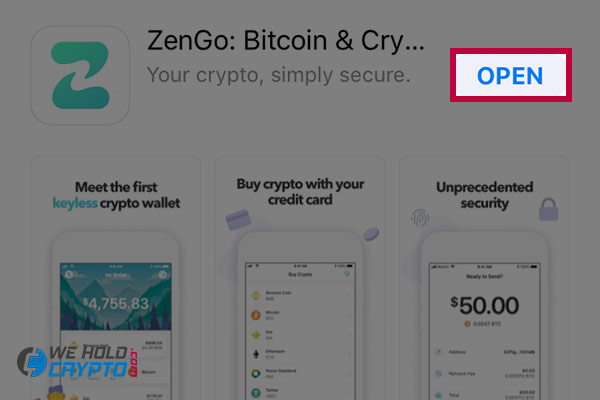
- Open
ZenGo
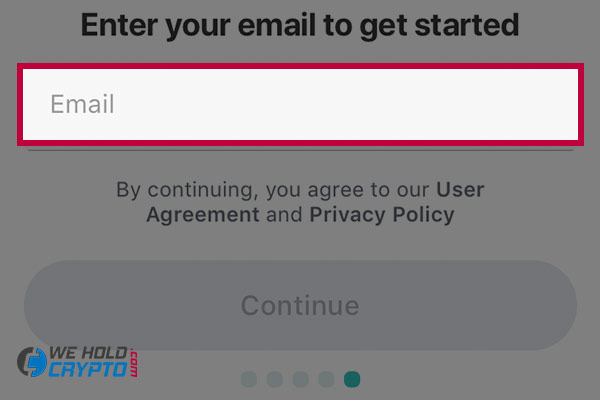
- Enter your email which will be used for registration in the ZenGo wallet.
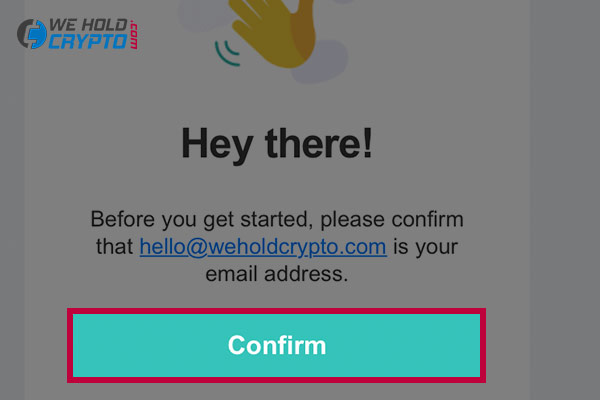
- Click on the “Confirm” button in the verification email from ZenGo.
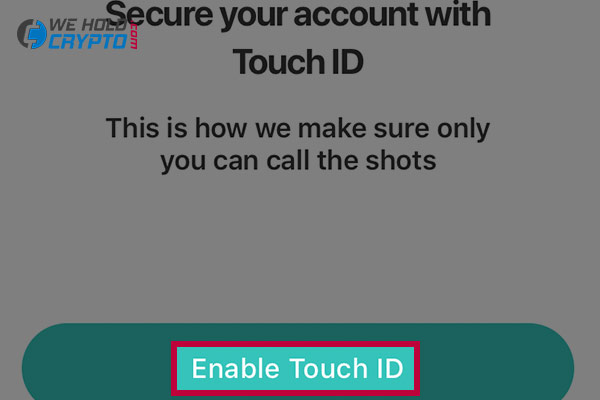
- In the next step, you have to secure your account with the Touch ID or with the Face ID which will be used for the logging into the wallet.
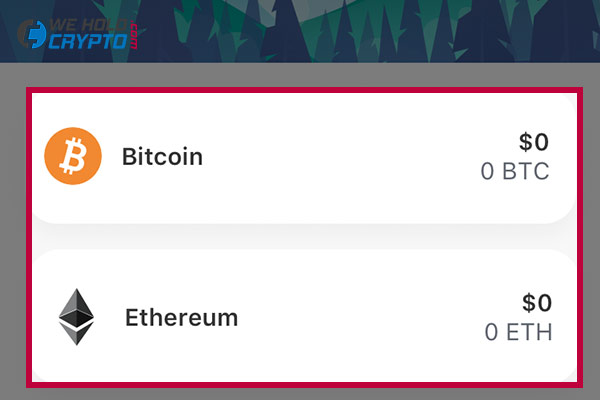
- And that’s all. You can start using your wallet immediately.
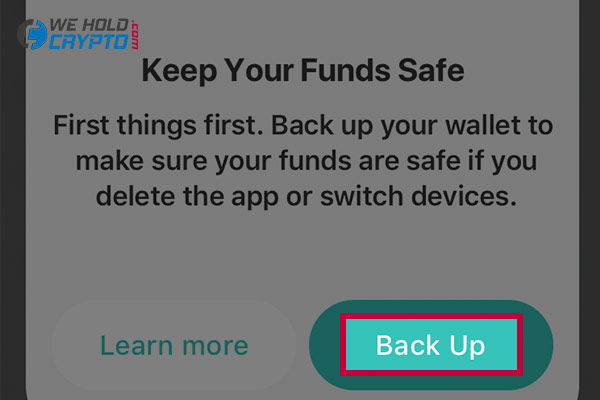
- Just one more thing to keep your wallet as secure as possible, there is required to Backup your wallet to make sure that your wallet is safe in the case that you delete the app from your phone or lose access to your smartphone. You can do it by clicking on the “Back up” button in the pop-up which is shown after registration. This process requires to scan your face, which will be used to encrypt a copy of your’s device share which is stored in the secured form on the ZenGo servers.
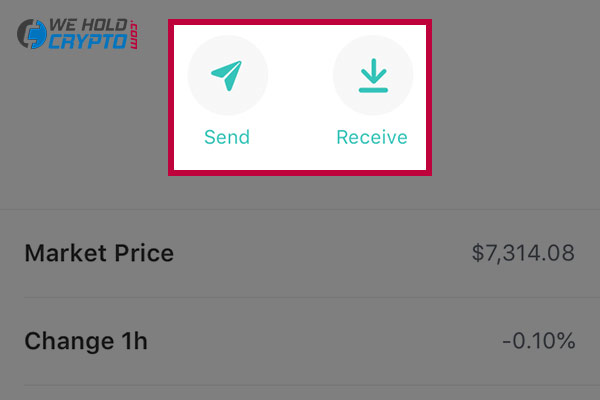
- For receiving the funds into your wallet, click on the bottom left button and choose the cryptocurrency which you would like to receive. For this example, I chose the Bitcoin.
- If you would like to purchase the cryptocurrency directly from your app with the credit card (Visa/MasterCard) or Apple Pay, click on the exchange button in the bottom part of the screen.
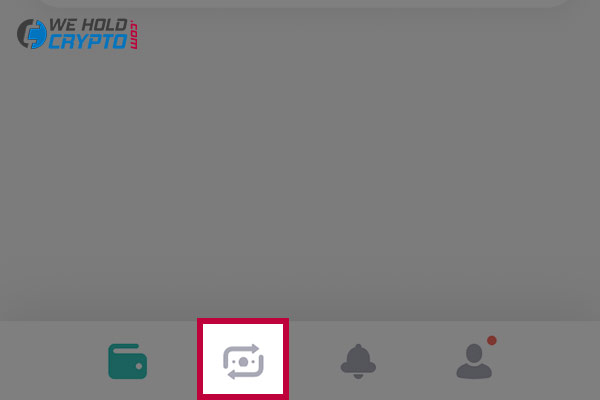
At the time of writing this review, everything in the app was working for me as advertised on the ZenGo website. To my surprise, the registration procedure in the app was really simple and fast. It means that you can start receiving your crypto coins a few minutes after downloading of ZenGo wallet app.
As a summary, I can tell that the ZenGo cryptocurrency wallet is worth of try for all users who want to have their assets exclusively under their control. This app brings secure and simple management of cryptocurrencies for everyone, from crypto newbies to daily crypto users and I recommend to try it while it is free of charge!
ZenGo wallet review
More articles
Is Coinbase safe for use?
Coinbase is one of the biggest companies providing cryptocurrency wallet and exchange services for the clients. Coinbase supports more than…

How to create an account on Coinbase
If you would like to purchase or receive the Bitcoin, Litecoin or other crypto coins, you would probably need a…
What is Bitcoin and how does it work?
Bitcoin is the first and most popular cryptocurrency on the market. The founder of Bitcoin is one of the most…
What is Litecoin and how does Litecoin work?
Litecoin is a peer-to-peer cryptocurrency that enables instant, near-zero cost payments to anyone in the world. It is an open-source,…
What is Ripple and how does Ripple work?
Ripple (XRP) was founded by Ripple Labs Inc and officially launched in 2012. Ripple is programmed in C++ by three…

Binance fees, payment methods and limits – 2020 review
Binance Wide offer of the cryptocurrencies Binance Coin – coin with a great perspective A handy, fast and clear mobile…
 Enjoy fee-free transfers on your first £500 with Wise! Check out our review to see how you can send money internationally at the real exchange rate.